Text to Voice and Aqua Voice: 2026 Dictation Plans and Limits
Looking for text to voice? Learn how Aqua Voice handles dictation, what its plans and limits include, and when you need voice generation instead.
If you’re looking for text to voice, Aqua Voice handles the reverse task: turning speech into text. This review covers its dictation features, plans, and limits, then considers when a tool that turns finished text into speech is the better fit.
Aqua Voice is a desktop and mobile dictation app that turns speech into clean, formatted text in any application, with a free tier of 1,000 words and paid plans from $8 a month. I went through Aqua Voice’s feature set, its five plans, its platform coverage and the claims on its homepage to work out who should switch from the keyboard and where a voice generation tool, rather than a voice input tool, is the thing you actually need.
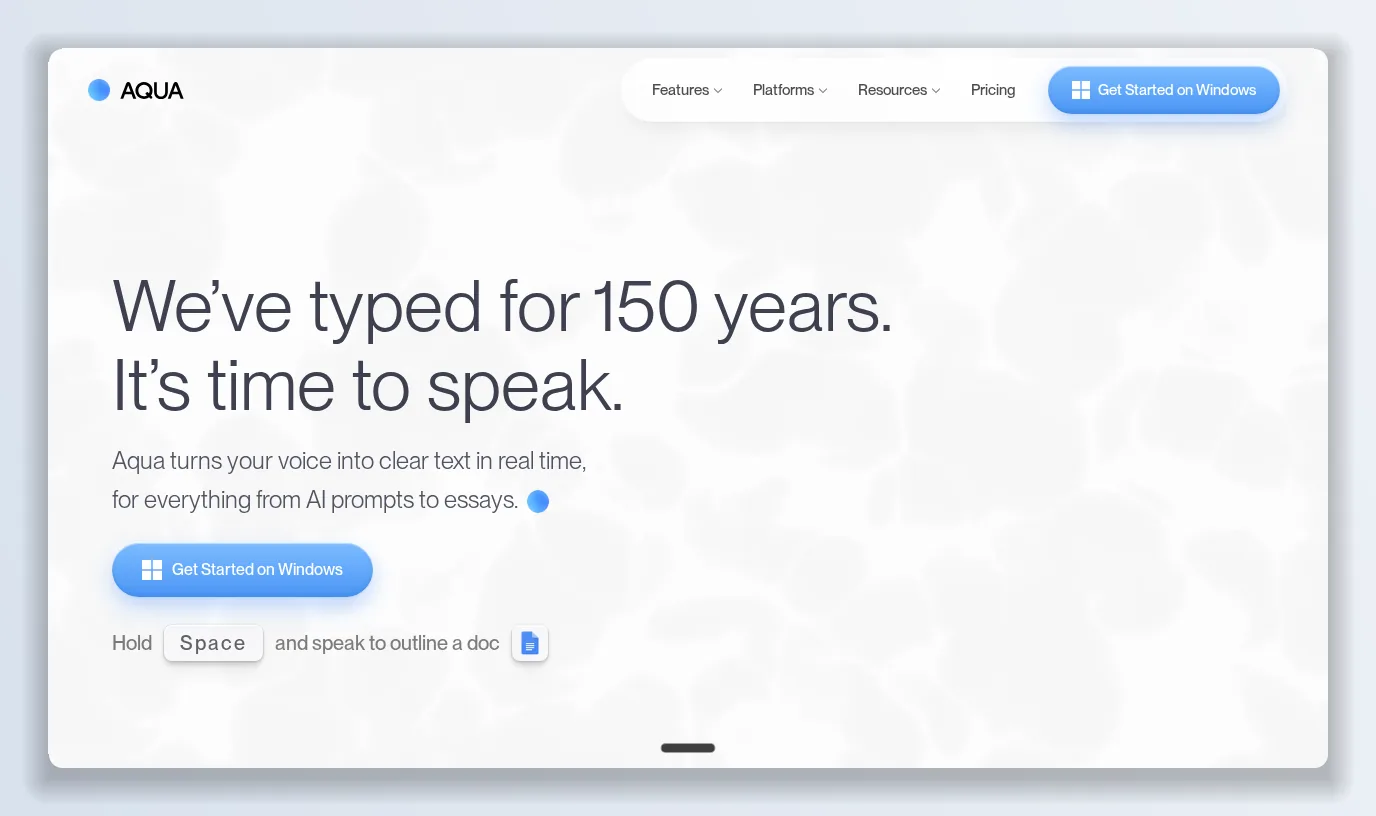
“We’ve typed for 150 years. It’s time to speak.” That is the first line on Aqua Voice’s homepage, and the pitch under it is precise: hold a key, speak naturally, and Aqua Voice writes what you meant — into an email, a document, a Slack update or a Codex prompt — at up to 230 words per minute against a 40 WPM keyboard. Aqua Voice has become a favourite of people who spend their day prompting coding agents, and the testimonials on its download page are almost all from that crowd. I spent a week reading Aqua Voice’s homepage, its pricing table and FAQ, and the download page, mapping every plan and every claim.
Because Aqua Voice is strictly about getting your words onto the screen, I kept a text-to-speech and voice-cloning studio, Supavocal, open in the next tab for the opposite direction — turning finished text back into a voice — and I come back to that at the end.
Aqua Voice’s pitch is one gesture — hold Space and speak — and one number: 230 WPM with Aqua 3.1, five times faster than typing.
What Aqua Voice is
Aqua Voice is a system-wide dictation app. You hold a hotkey, talk, and Aqua Voice’s model refines what you said as you talk — removing filler, fixing punctuation, formatting lists — then inserts the text wherever your cursor is. There is no separate window to paste from. Three ideas carry the product:
- Works with all your apps. Aqua Voice sits at the OS level, so it dictates into Mail, Notion, Cursor, Codex, a browser form or a terminal without per-app setup.
- Your thoughts set the pace. Aqua Voice is built to keep up with fast, rambling speech and to tidy it rather than transcribe it verbatim.
- Your screen is its dictionary. Aqua Voice reads what is on screen — code syntax, variable names, product names — so “useState hook for selectedTaskId” comes out spelled the way your file spells it.
The homepage demo is a React component request dictated at 230 WPM with the correct camelCase identifiers, next to the same sentence typed at 40 WPM with typos. That is the Aqua Voice use case in one image.
Getting started with Aqua Voice
Aqua Voice is available for Mac, Windows and iOS, with Android on a waitlist. The Starter plan is free, needs no credit card, and includes 1,000 words with the Avalon transcription model — enough to dictate a few long prompts and a couple of emails and decide whether your voice and Aqua Voice’s model get along. The Mac build is the primary one; “Get Started on Mac” is the call to action on every page.
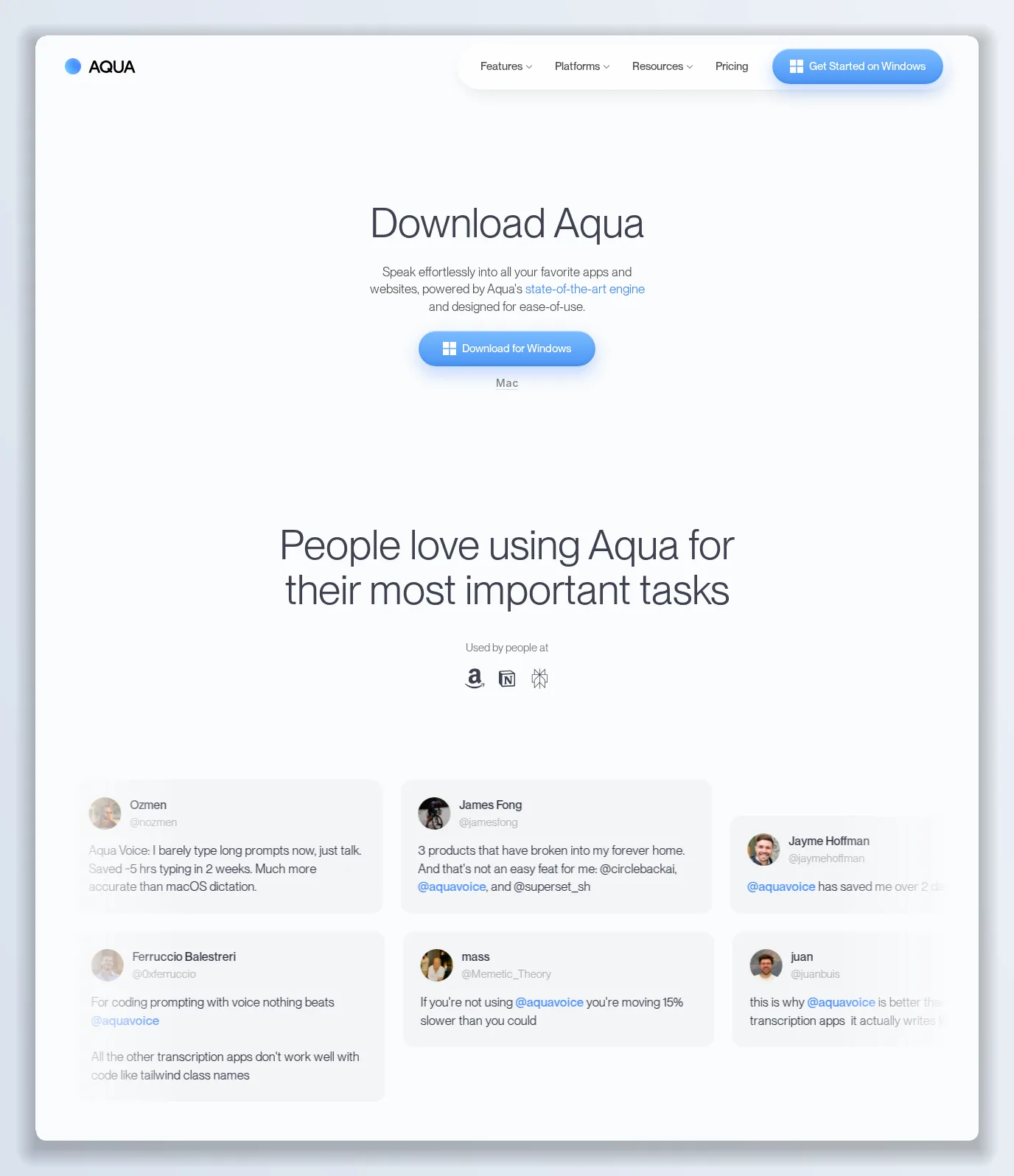
The download page is a wall of quotes from developers — “for coding prompting with voice nothing beats Aqua Voice”, “saved me over 2 days of typing”.
Aqua Voice pricing in 2026
Aqua Voice sells two individual plans above the free tier and two for organisations, with annual billing 20% cheaper. From Aqua Voice’s pricing page and FAQ:
- Starter — free. 1,000 words, Avalon transcription model, no card required.
- Pro — $8/month billed annually, or $10 month-to-month. Unlimited words, custom instructions (tell Aqua Voice how you want text formatted), an expanded custom dictionary.
- Max — $24/month annually, or $30 month-to-month. Everything in Pro plus Realtime Mode (see words appear live as you speak), the “Send it” voice command that submits the message without touching the keyboard, and early access to new features.
- Team — $12/user/month annually, or $15 month-to-month, for teams of 2–9. Pro features plus centralised billing, team-wide settings and an enforced Privacy Mode.
- Business — custom, for 10+ seats. SSO/SAML and SCIM, advanced reporting, zero data retention, team-wide dictionaries and volume discounts.
Students get 70% off Pro and Max with a school email — Pro drops to $2.40 a month annually. Everything is cancel-anytime.
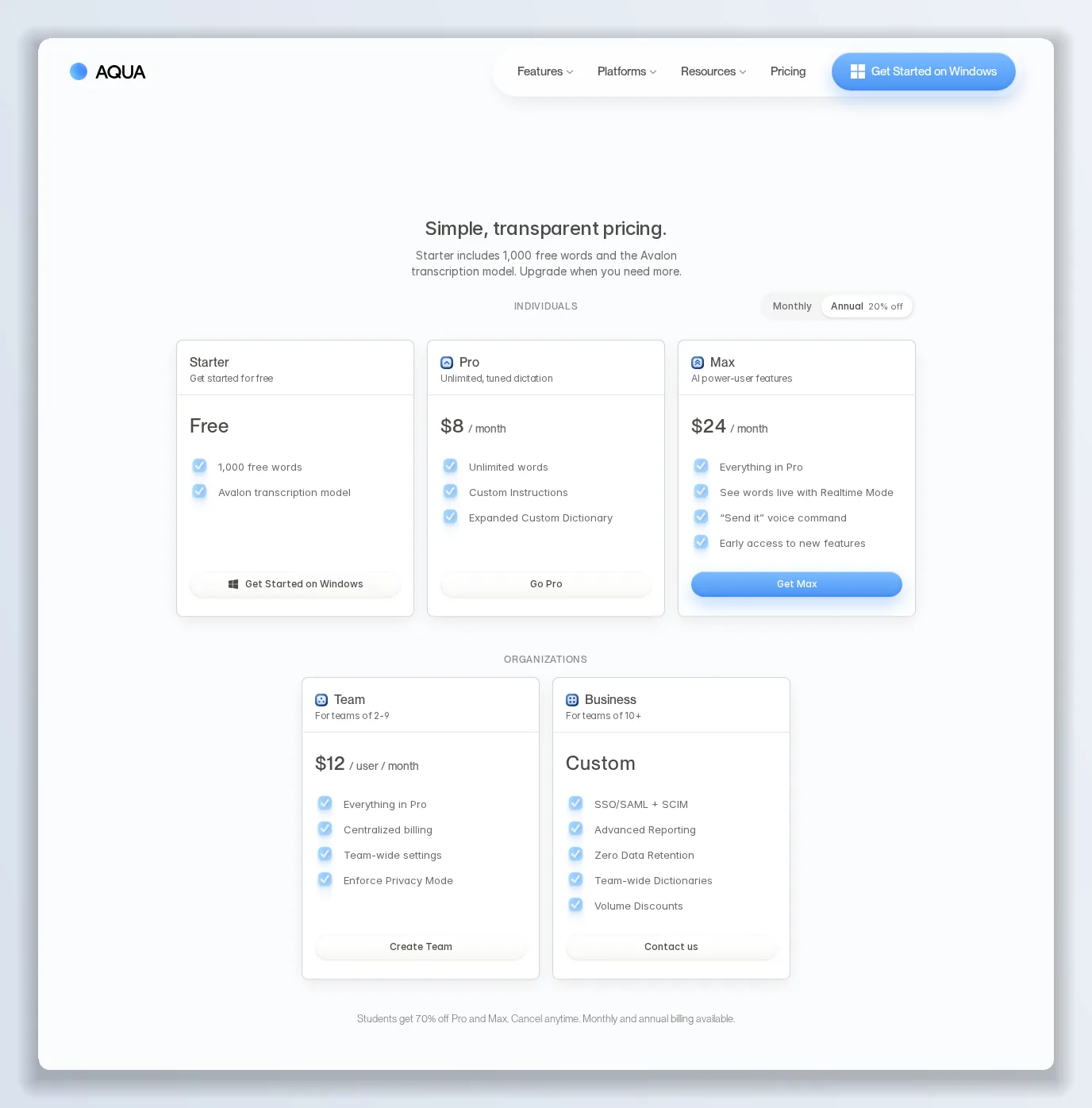
The individual tiers differ on one axis — how much Aqua Voice does beyond transcription — not on word counts, once you are past the free 1,000.
Aqua Voice for coding and prompting
This is the audience Aqua Voice is chasing hardest. The homepage’s second section is titled “Prompt faster with your voice” and shows Aqua Voice dictating into the Codex app with GPT-6 Astra selected: “Give GPT-6 Astra the full context in the Codex app. Speak your prompts with Aqua, from the first idea to the final fix.” The screen-as-dictionary feature is what makes this work — Aqua Voice sees the file, the framework and the library names, so spoken prompts arrive with the right identifiers. The testimonials back it up: “all the other transcription apps don’t work well with code like Tailwind class names”, “lowest latency, highest quality STT I’ve used so far”.
The speed and accuracy claims
Aqua Voice claims “5x faster than typing and twice as accurate”, with the 230 WPM figure attributed to its Aqua 3.1 model. Both are demo-derived rather than benchmarked in public, and the accuracy half depends heavily on microphone, accent and how much you ramble. What is fair to say is that Aqua Voice’s refinement step — cleaning the transcript as it goes — is where it differs from built-in OS dictation, and users consistently describe it as “much more accurate than macOS dictation”.
What Aqua Voice gets right
- Works everywhere. One hotkey, every app, no paste step.
- Context from the screen makes it the best dictation option for code and prompts.
- Unlimited words from $8 — the free tier is a trial, but Pro removes the meter entirely.
- Custom instructions and dictionary let you shape the output rather than correct it.
- Realtime Mode and “Send it” on Max close the loop for hands-free agent conversations.
- Team controls — enforced Privacy Mode, SSO, zero data retention — for regulated workplaces.
Where Aqua Voice falls short
- 1,000 free words is small. At 230 WPM that is under five minutes of speech; you will decide on the paid plan before you have finished evaluating.
- Android is waitlist-only. Mac first, Windows and iOS second, Android not yet.
- Realtime Mode is a Max feature. Seeing your words as you speak — the thing most people expect from dictation — costs three times Pro.
- Cloud processing. Aqua Voice’s model runs in the cloud; Privacy Mode and zero data retention exist, but at Team and Business tiers.
- Input only. Aqua Voice turns your voice into text. It does not produce a voice from text, clone one, or make audio for anything you publish.
Aqua Voice vs the alternatives
Against OS-native dictation, Aqua Voice wins on cleanup, context and speed. Against other AI dictation apps, its edge is the screen-aware dictionary and the coding focus; its costs are the metered free tier and the Max-only realtime view. Against text-to-speech tools there is no contest because they do the opposite job — which is exactly why I found myself running both.
Verdict: is Aqua Voice worth it in 2026?
For anyone who writes long prompts to AI agents, drafts a lot of email, or simply thinks faster than they type, Aqua Voice Pro at $8 a month is an easy purchase — the free 1,000 words will tell you in an afternoon. Max is for people who live in voice all day and want to send without touching the keys. Try it on your own long prompts for a day before you choose between Pro and Max.
The alternative worth keeping next to it: Supavocal
Two Aqua Voice facts kept a second tab open: it is voice in, never voice out, and it is the wrong tool the moment you need audio for a video, a course or a product. Supavocal is a text-to-speech and voice-cloning studio for exactly that direction.
- 30+ voices, 30+ languages, with cloning from a 15-second sample and a Voice Lab for tuning delivery.
- Simple metering. 1 credit is 1 character; cloning costs 3x. Starter is $49 a month for 600,000 characters, Pro $99 for 1.5 million, Business $299 for 5 million.
- Commercial use included on every paid plan, with API access for pipelines.
- Built for output — narration, dubbing, voice-overs and agents that speak, all from text you may well have dictated with Aqua Voice.
Use Aqua Voice to get the words out of your head. When those words need to be spoken back to an audience, keep Supavocal open.
Want to try it yourself?
Try Supavocal →