Pronunciation needs checking
Names, acronyms, and uncommon terms can be spoken differently from how you intended.
Workaround
Listen through the result and rewrite tricky words phonetically where appropriate.
Written to spoken
Turn a short passage into a voice you can listen to instead of reading. Texttovoice helps you prepare the words, try a spoken version, and check whether the result suits your project.
A free converter takes written words as input and produces a spoken rendition. It is useful when you need a quick listening draft rather than a recording session.
Conversion makes a listening draft, not a guarantee that every name, pause, or tone will sound right on the first try.
Names, acronyms, and uncommon terms can be spoken differently from how you intended.
Workaround
Listen through the result and rewrite tricky words phonetically where appropriate.
A comma may suggest a pause, but it cannot specify every nuance of a human performance.
Workaround
Shorten long sentences and test punctuation changes one at a time.
Voice selection, audio saving, and available formats depend on the tool handling the conversion.
Workaround
Check the available controls and export options before planning your final deliverable.
The useful shift is from a script you inspect visually to audio you can judge by ear.
Paste a short, complete passage. Remove stage directions that should not be spoken, and spell out abbreviations that might be ambiguous.
Send the text for conversion and play the resulting speech. Pay attention to pacing, emphasis, and whether the voice fits the audience.
Edit awkward phrases in the original text, then convert the revised passage. Keep the version that communicates the message most clearly.
Start with the written script; judge the result as spoken audio. The comparison is about input and output, not an automatic improvement in the writing.
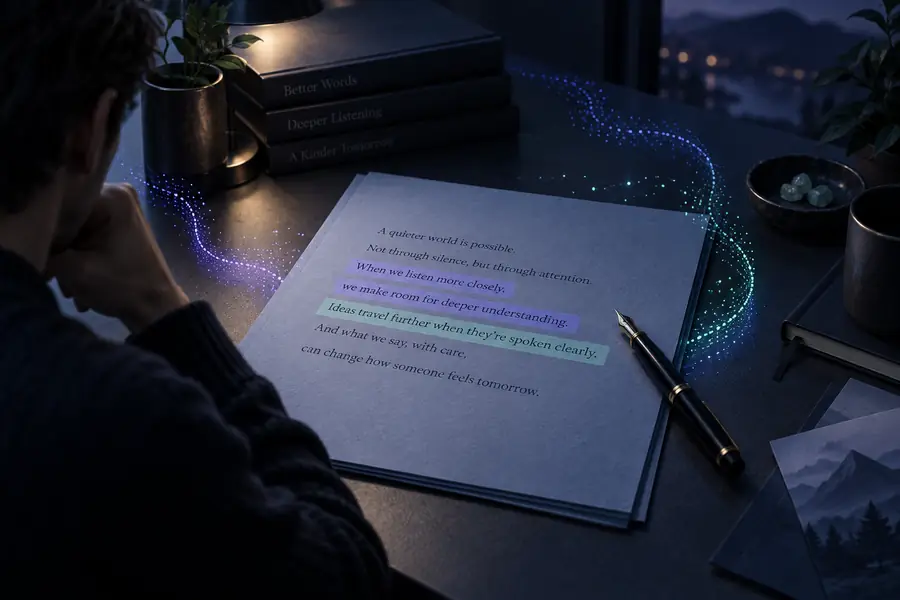 Written input
 Spoken draft
Use the first result as a review copy, then adjust the words for the setting in which people will hear them.
Test a short narration before placing it over visuals.
Hear whether the sentences fit the scene and leave room for a natural pause.
voice for CanvaListen to an introduction that feels fine on the page but dense when read aloud.
Find long sentences and simplify them before sharing the final script.
free voice examplesTry a welcome message intended to sound warm rather than flat.
Decide whether rewriting the script or testing another delivery is worthwhile.
speech with emotionThese are the practical differences between the material you supply and the result you review.
Form
Written input
Editable text passage
Spoken output
Audio rendition of that passage
Best reviewed by
Written input
Reading for meaning and spelling
Spoken output
Listening for clarity and flow
Timing
Written input
Not obvious from the page alone
Spoken output
Apparent during playback
Pronunciation
Written input
Often open to interpretation
Spoken output
Can be checked by ear
Revision
Written input
Change the source wording
Spoken output
Regenerate after editing the source
Common issue
Written input
Sentences that look concise but read awkwardly
Spoken output
Unexpected pauses or emphasis
Paste a short passage, listen closely, and revise the writing until the spoken version says what you mean. Check the available voice and saving options before using the result in a finished project.
Convert my textIt takes text you provide and generates a spoken version for you to hear. The result is most useful as a listening draft that you can check and revise.
That depends on the text limit of the tool you use. For easier review, split a long document into short sections and listen to each before moving on.
Not necessarily. Names, technical terms, and abbreviations deserve a careful listen; changing the source spelling or phrasing may improve the next result.
Saving and format options vary by tool, so check the controls available after conversion. If you need a particular file type, confirm that option before building it into your workflow.